



VCOM 4K Wireless ScreenCast HDMI Display Kit (5GHz, Plug & Play)
VCOM 4K Wireless ScreenCast HDMI Display Kit (5GHz, Plug & Play)
Артикул:DD547
4K Wireless Screen Mirroring Made Simple
The VCOM 4K ScreenCast DD547 is a compact wireless display solution designed for smooth screen mirroring without cables. Supporting up to 4K@30Hz and 1080p@60Hz output via HDMI, it delivers clear visuals for presentations, videos, and everyday screen sharing—no software or drivers required.
Stable 5GHz Wireless Transmission
Powered by a 5GHz Wi-Fi transmission protocol, the DD547 offers more stable connections and reduced interference compared to traditional 2.4GHz solutions. With a transmission range of up to 50 meters in open environments and latency of approximately 80–100ms, it ensures a responsive and reliable wireless display experience.
True Plug-and-Play Dual Module Design
Featuring a dedicated transmitter and receiver, this wireless HDMI display kit is ready to use straight out of the box. Simply connect the transmitter to your source device and the receiver to your display—pairing is instant, with no apps or network configuration needed.
Designed for Work, Learning, and Entertainment
Ideal for home entertainment, office presentations, and classroom teaching, the DD547 makes sharing content fast and convenient. Mirror videos, slides, and desktop screens wirelessly to TVs, monitors, or projectors for a cleaner and more flexible setup.
Compact, Durable, and Easy to Power
Housed in a durable ABS enclosure, the DD547 is lightweight and easy to carry, making it suitable for mobile and temporary setups. Both transmitter and receiver are powered via USB-C (5V/2A), with low power consumption for stable, long-term operation.
What You Get
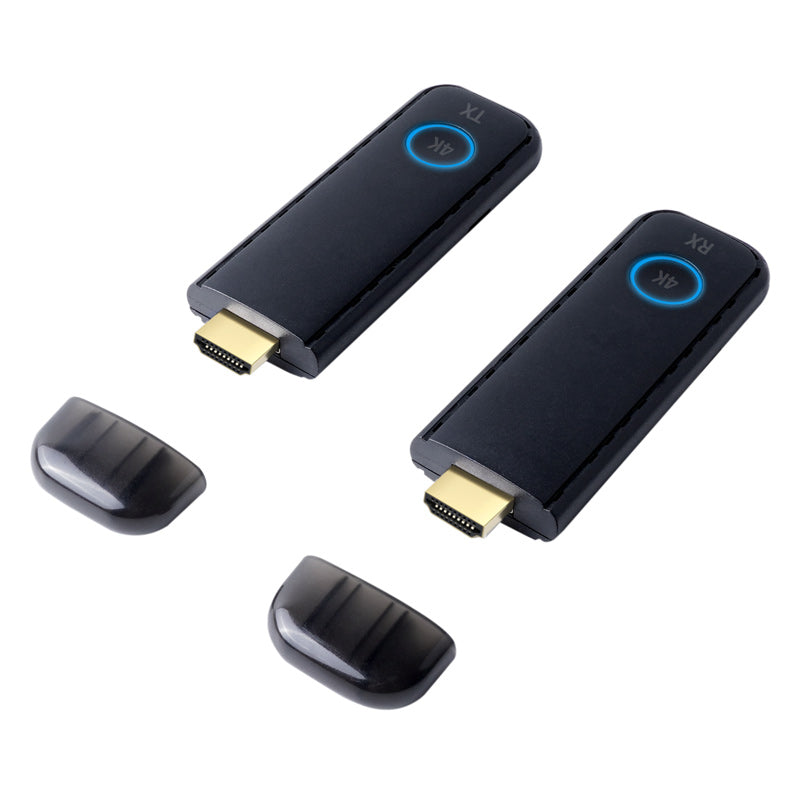
VCOM 4K Wireless ScreenCast DD547 HDMI Display Kit (transmitter & receiver) and reliable customer service. As a trusted global brand in electronics and peripherals, VCOM delivers quality, durability, and prompt support for a worry-free experience.
В наличии
Не удалось загрузить сведения о доступности самовывоза
Pay with Ease
Trusted Delivery


Fast, Free Shipping
Fast, Free Shipping
We offer free worldwide shipping straight to your door.
Your package will usually arrive within 7–15 business days, so you can sit back and enjoy a worry-free shopping experience.
For more details, please see our Shipping Policy.
Lifetime Customer Support
Lifetime Customer Support
We’re Always Here for You.
If you have any questions or need assistance, please don’t hesitate to reach out at support@vcom.hk
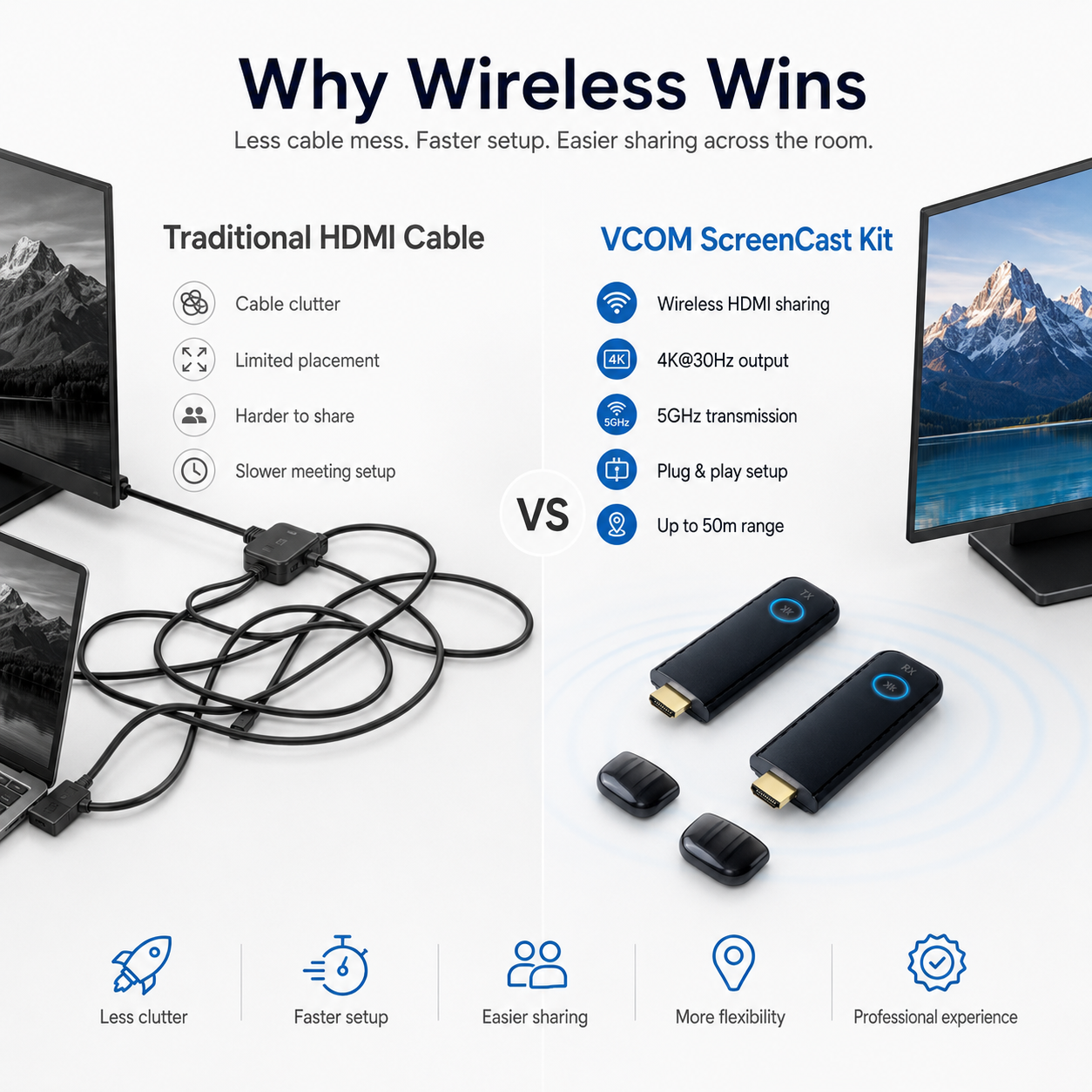




Clear Wireless Display up to 4K@30Hz
Share presentations, videos, documents, and desktop content on a larger screen without keeping your source device physically tied to the display.
DD547 supports up to 4K@30Hz for high-resolution content and 1920 × 1080@60Hz for smoother Full HD playback through HDMI 1.4.

Stable 5GHz Wireless Transmission
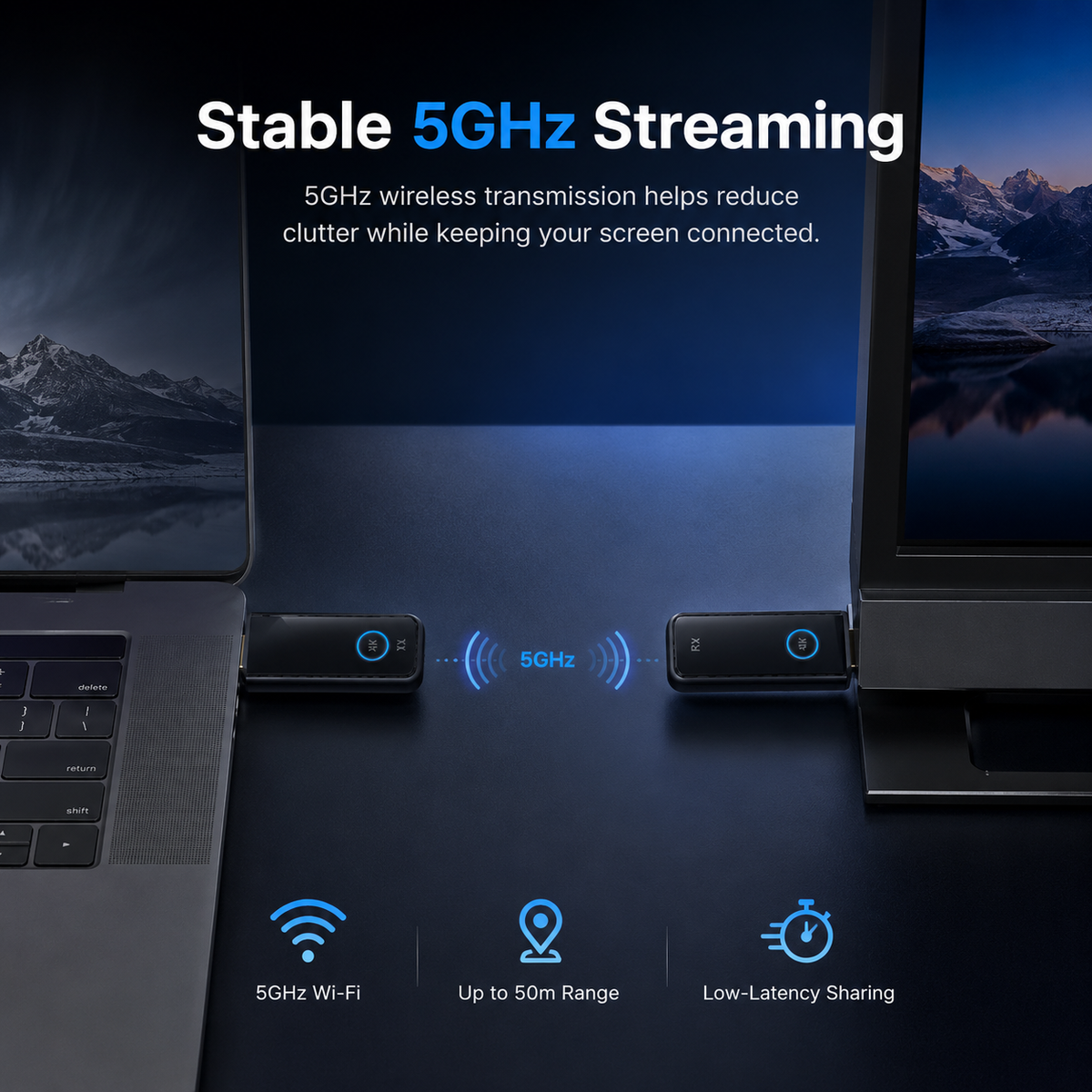
DD547 uses a 5GHz wireless connection to transmit display content between the transmitter and receiver.
The higher-frequency wireless link helps reduce common interference and provides a smoother screen-sharing experience for presentations, video playback, teaching, and everyday display use.

Up to 50m Wireless Range in Open Spaces
With a transmission distance of up to 50 meters in an open environment, DD547 gives you more freedom to position your source device away from the display.
In open-space conditions, latency is approximately 80–100ms. Actual range and response time may vary depending on walls, physical barriers, nearby wireless interference, and the installation environment.
True Plug-and-Play Dual Module Design
A dedicated transmitter and receiver create a simple wireless HDMI connection between your source device and display.
No app or additional driver installation is required. Connect the two modules, provide the required power, and start sharing your screen without complicated software setup.

Made for Presentations, Learning, and Entertainment
Use DD547 to share slides in a conference room, display teaching materials in a classroom, or enjoy videos and online content on a larger HDMI screen.
Removing the need for a long HDMI cable between your source device and display gives you a cleaner and more flexible setup for temporary or permanent screen-sharing environments.

Compact Design for Flexible Setups
Measuring only 100 × 33 × 12mm, both modules are easy to carry between offices, classrooms, meeting rooms, or temporary display setups.
The durable ABS housing keeps the design lightweight, while USB-C 5V/2A power input on both the transmitter and receiver makes power connection straightforward wherever you set up.
Key Features
- 4K Wireless Display: Supports resolutions up to 3840 × 2160 at 30Hz for clear high-resolution screen sharing.
- 1080p@60Hz Support: Supports Full HD 1920 × 1080 at 60Hz for smoother video and everyday display use.
- 5GHz Wireless Transmission: Uses IEEE 802.11 a/b/g/n wireless technology for stable screen transmission.
- Up to 50m Range: Wireless transmission can reach up to 50 meters in open environments.
- Approx. 80–100ms Latency: Designed for responsive wireless display performance in open-space conditions.
- Plug and Play: No additional driver or app installation is required.
- Independent Transmitter and Receiver: Dual-module design provides a straightforward HDMI-to-HDMI wireless display connection.
- Reset and Re-Pairing: Hold the function button for more than 5 seconds to reset and re-pair when necessary.
- USB-C Power: Both transmitter and receiver use a 5V/2A USB-C power input.
- Low Power Consumption: Maximum power consumption is approximately 3W per module.
Compatibility
Supported Operating Systems
Windows
macOS
Source Device Connection
The source device must provide an HDMI video output that can connect to the DD547 transmitter's HDMI input.
Display Connection
The DD547 receiver provides HDMI output and is designed for TVs, monitors, projectors, and other compatible displays with an HDMI input.
HDMI Standard
HDMI 1.4.
Supported Resolutions
Up to 4K@30Hz and 1920 × 1080@60Hz.
Power Requirement
Both the transmitter and receiver require a stable 5V/2A USB-C power supply.
Software Requirement
No additional application or driver installation is required for normal plug-and-play operation.
Before You Buy
Please confirm that your source device has a compatible HDMI output and that your TV, monitor, or projector has an available HDMI input.
How It Works
Connect the Transmitter
Connect the HDMI output of your Windows or macOS source device to the HDMI input on the DD547 transmitter.
Power the Transmitter
Connect the transmitter's USB-C power port to a stable 5V/2A power source.
Connect the Receiver
Connect the DD547 receiver's HDMI output to an available HDMI input on your TV, monitor, or projector.
Power the Receiver
Connect the receiver's USB-C power port to a stable 5V/2A power source.
Start Wireless Display
Once the transmitter and receiver are connected and paired, your source screen can be displayed wirelessly without installing an app or driver.
Reset and Re-Pair if Needed
If a pairing or connection issue occurs, hold the function button for more than 5 seconds to reset and re-pair the device.
Technical Specifications
| Model | DD547 |
|---|---|
| Product | VCOM 4K Wireless ScreenCast HDMI Display Kit |
| Color | Black |
| HDMI Version | HDMI 1.4 |
| Supported Resolution | 4K@30Hz / 1920 × 1080@60Hz |
| Wireless Transmission | 5GHz Wi-Fi / IEEE 802.11 a/b/g/n |
| Maximum Transmission Distance | Up to 50m in open environments |
| Latency | Approx. 80–100ms in open-space conditions |
| Transmitter Video Interface | HDMI Input |
| Transmitter Power Input | USB-C / 5V 2A |
| Transmitter Function Button | Reset / Pairing |
| Transmitter LED | Power Status Indicator |
| Transmitter Power Consumption | 3W Max |
| Receiver Video Interface | HDMI Output |
| Receiver Power Input | USB-C / 5V 2A |
| Receiver Function Button | Reset / Pairing |
| Receiver LED | Power Status Indicator |
| Receiver Power Consumption | 3W Max |
| Compatibility | Windows / macOS |
| Plug and Play | Yes — no additional app or driver required |
| Material | ABS |
| Dimensions | 100 × 33 × 12mm |
| Operating Temperature | 0°C to 50°C |
| Reset Method | Hold the function button for more than 5 seconds to reset and re-pair |