



VCOM 3-in-1 TF/SD Card Reade USB-C Hub
VCOM 3-in-1 TF/SD Card Reade USB-C Hub
SKU:DH299C
Big Expansion for Daily Connectivity
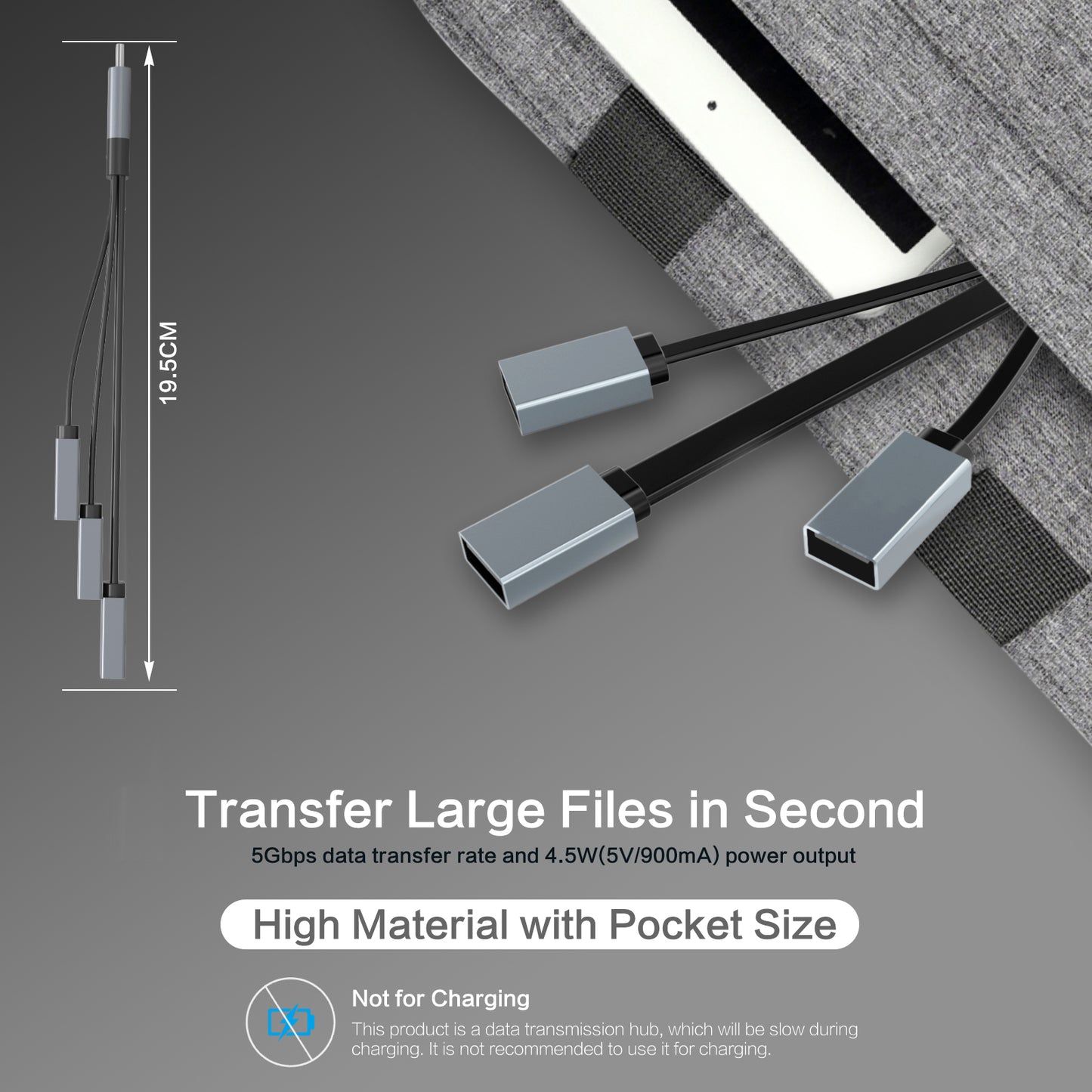
Expand one USB port into three with ease—featuring 1 USB 3.0 port and 2 USB 2.0 ports. Perfect for connecting your mouse, keyboard, flash drive, card reader, or external hard drive. Note: Designed for data transfer only, not charging.
Portable & Durable for Everyday Use
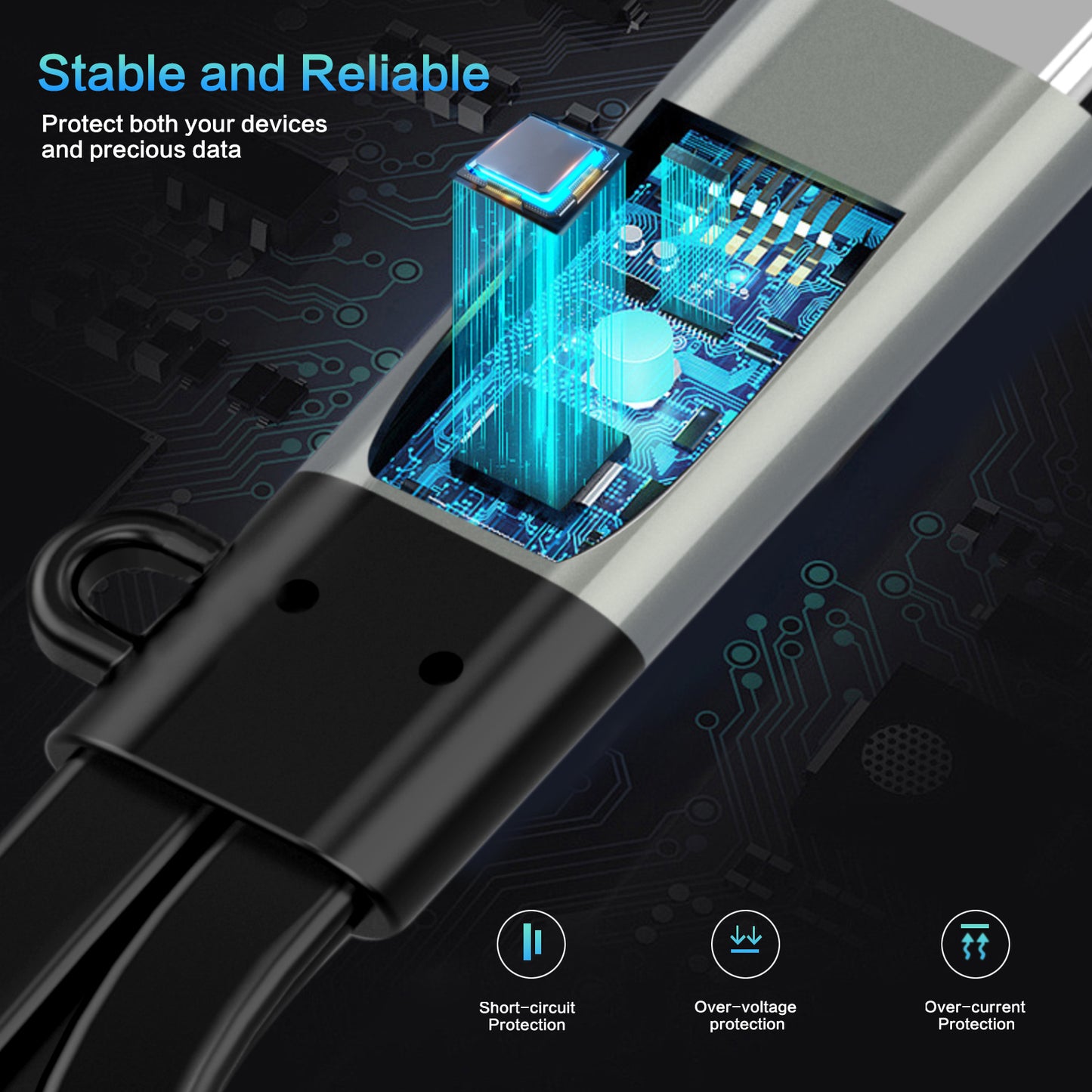
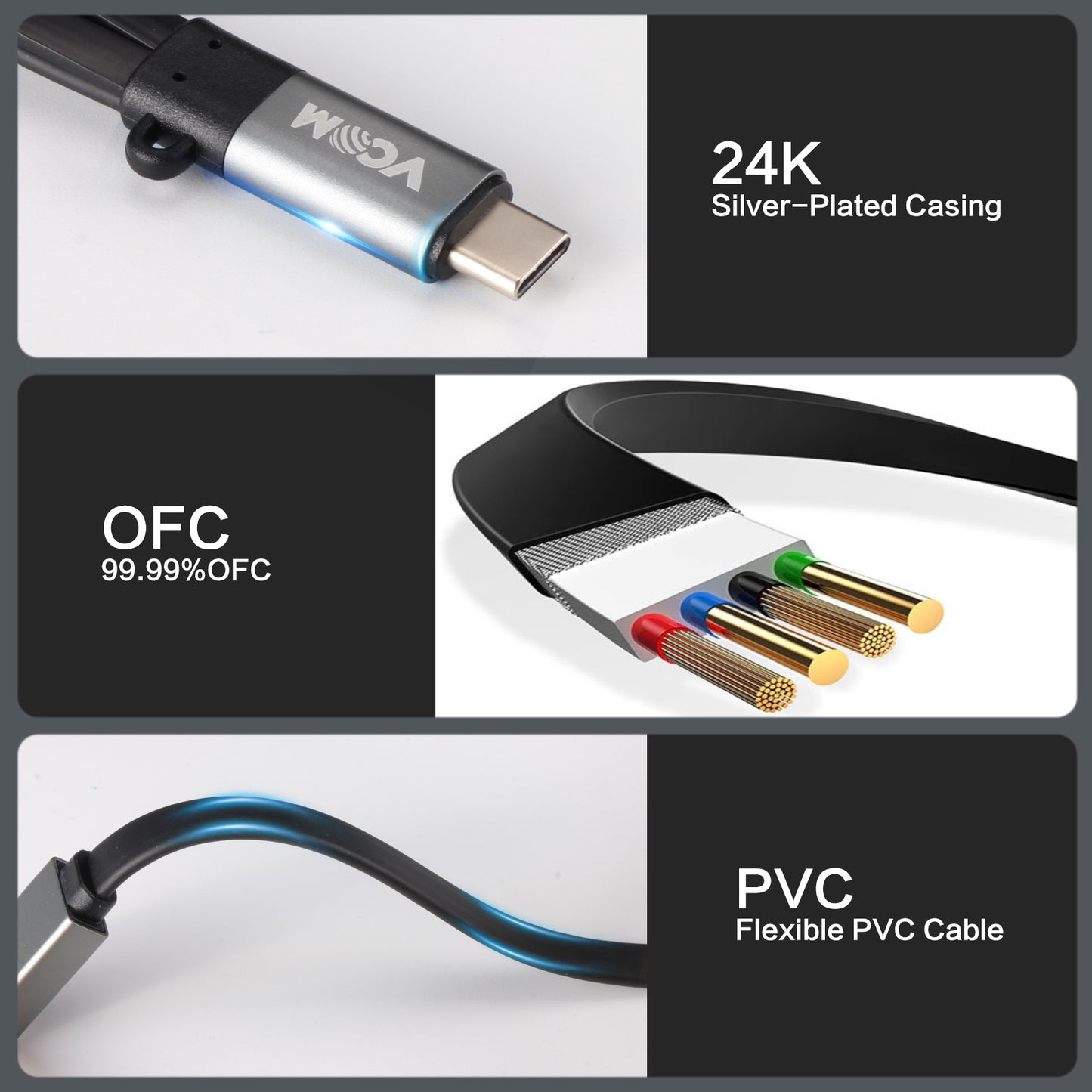
With its compact and lightweight design, the VCOM USB hub is ideal for travel and mobile work setups. The sturdy outer shell and heat-resistant connectors ensure long-lasting durability and reliable performance on the go.
Widely Compatible & Easy to Use
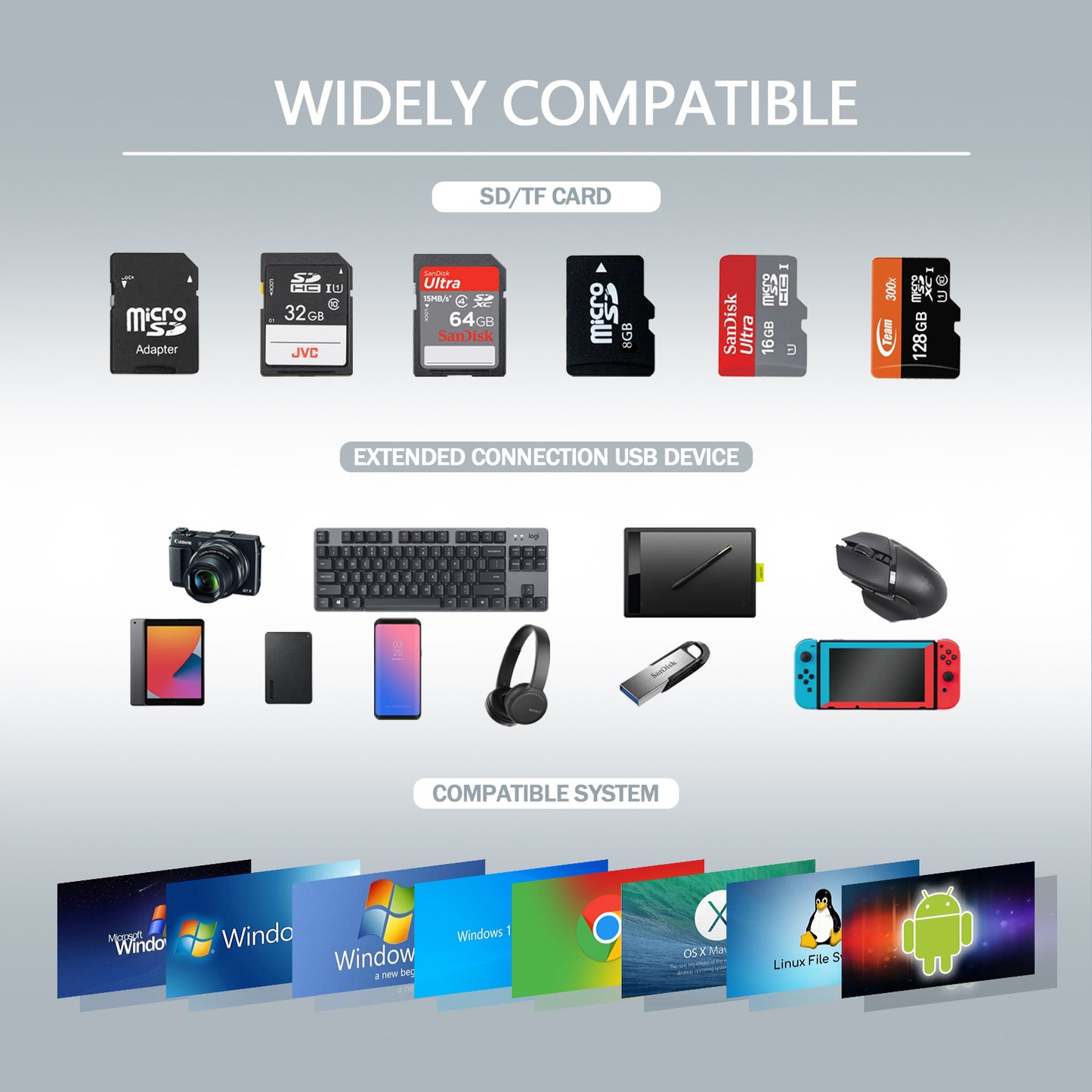
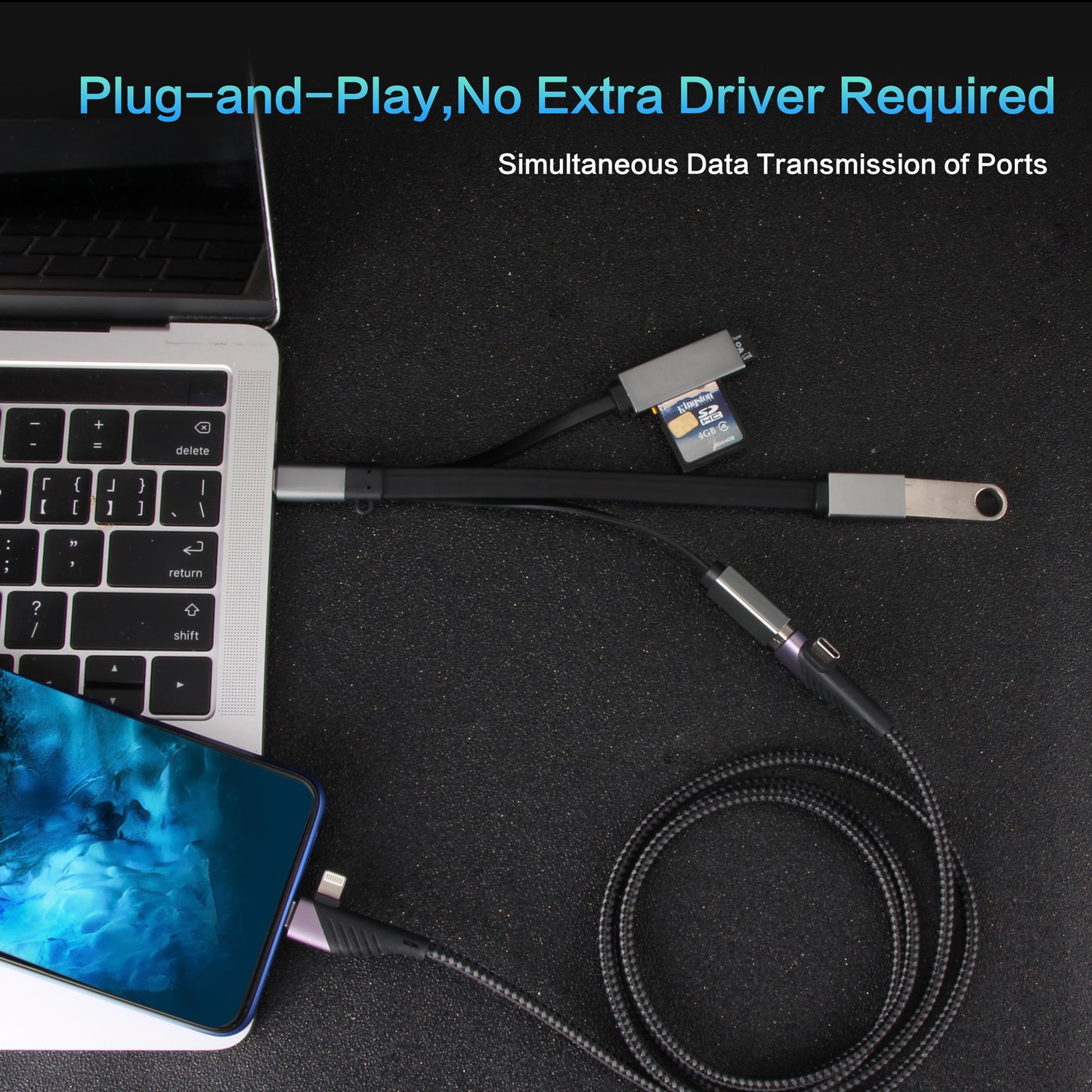
Plug-and-play functionality means no drivers required. Enjoy seamless compatibility with Windows 10/8/8.1/7/Vista/XP, Mac OS X 10.2 Jaguar and up, including OS X 10.7 Lion. Hot-plugging support adds extra convenience.
What You Get
VCOM 40Gbps Thunderbolt Nvme Enclosure with USB4 & Thunderbolt 3 and reliable customer service. As a trusted global brand in electronics and peripherals, VCOM delivers quality, durability, and prompt support for a worry-free experience.
Out of stock
Couldn't load pickup availability
Pay with Ease
Trusted Delivery


Fast, Free Shipping
Fast, Free Shipping
We offer free worldwide shipping straight to your door.
Your package will usually arrive within 7–15 business days, so you can sit back and enjoy a worry-free shopping experience.
For more details, please see our Shipping Policy.
Lifetime Customer Support
Lifetime Customer Support
We’re Always Here for You.
If you have any questions or need assistance, please don’t hesitate to reach out at support@vcom.hk


Specifications
- Model
- DH299C
- Color
- Black/Gray
- Port Type
- USB Type-C, USB-A, SD Card Reader slots, TF Card Reader slots
- USB Version
- USB 3.0, USB 2.0
- Number of Ports
- 4 ports
- Data Transfer Speed
- Up to 5 Gbps (USB 3.0), Up to 480 Mbps (USB 2.0)
- USB Ports
- USB 3.0 Ports, USB 2.0 Ports
- SD Card Slot
- SD/TF 2.0 Card Reader (Only 1 cards reading simultaneously)
- Charging Ports
- NO
- Fast Charging Support
- NO
- Cable Length
- 0.15M
- Material
- Aluminum Shell + Nickel plated plug
- Compatibility
- Windows 2000/XP/Vista/7/8/10 & MAC OS X & Linux
- Plug and Play
- Yes
- Package Size
- 220*160mm
- Weight
- 35g
- Additional Features
- USB data switch
FAQ