

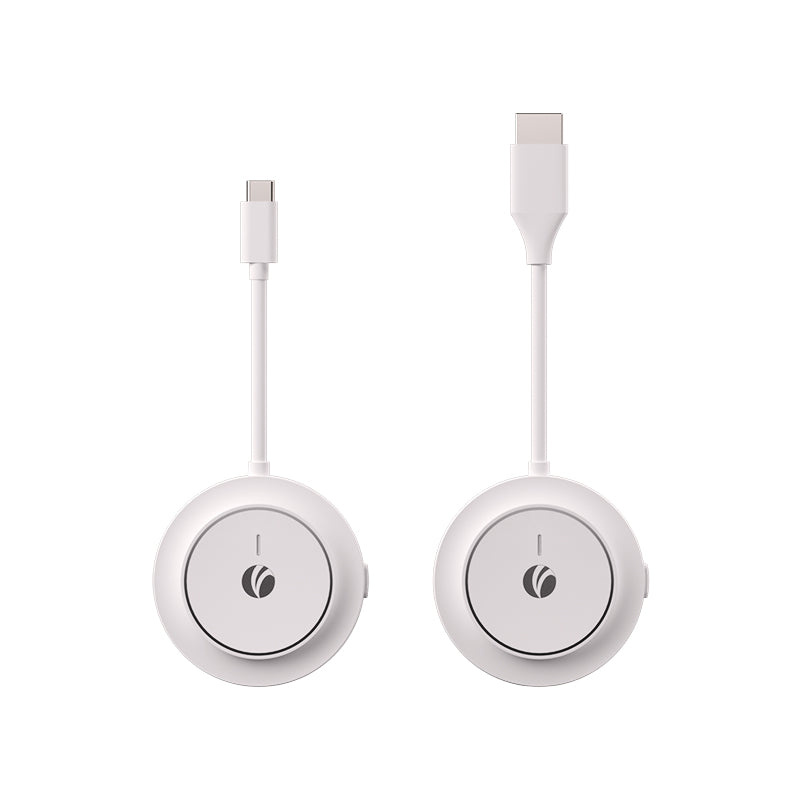
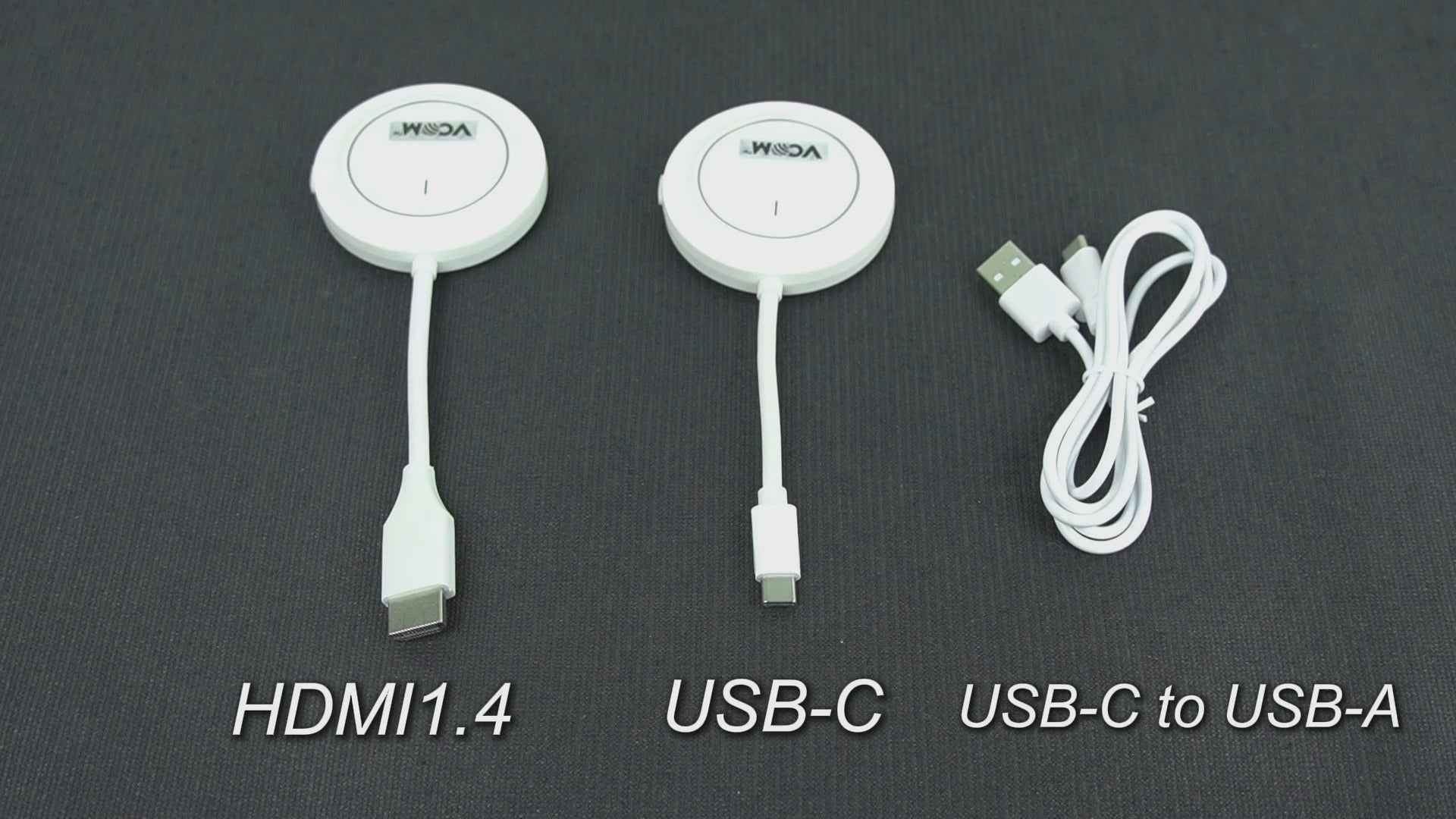
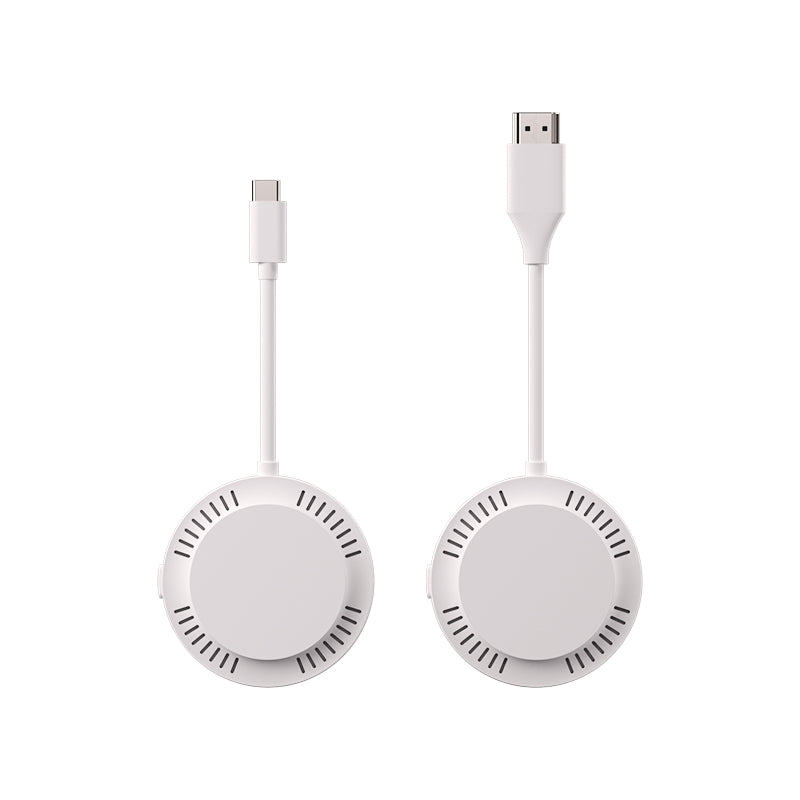
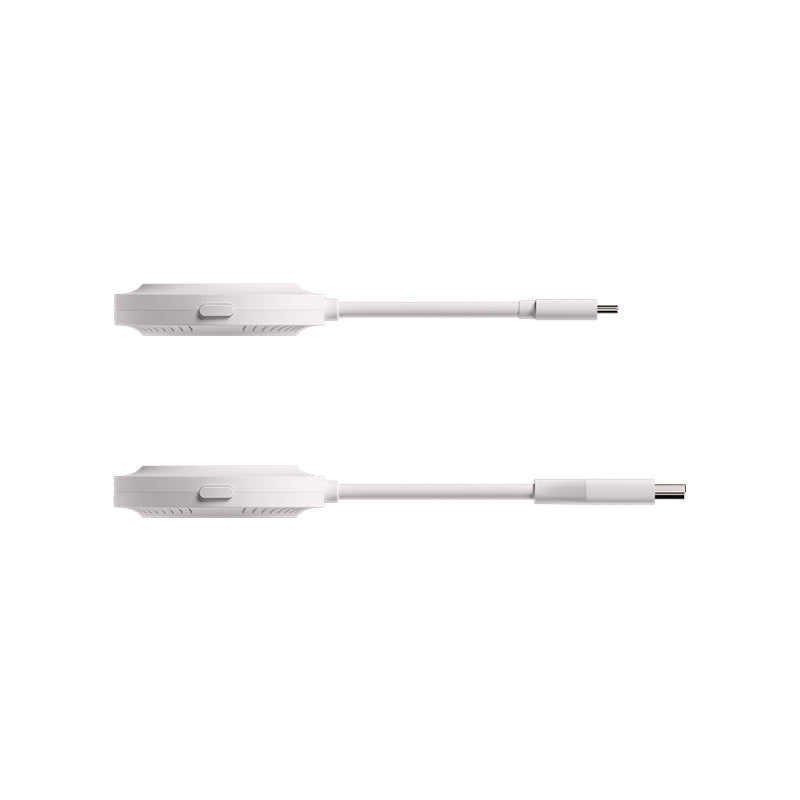


VCOM DD543 ScreenCast
VCOM DD543 ScreenCast
SKU:DD543
Save $8 Today with Code NEW8
Wireless HDMI Screen Casting — No WiFi, No App, No Cable Limit
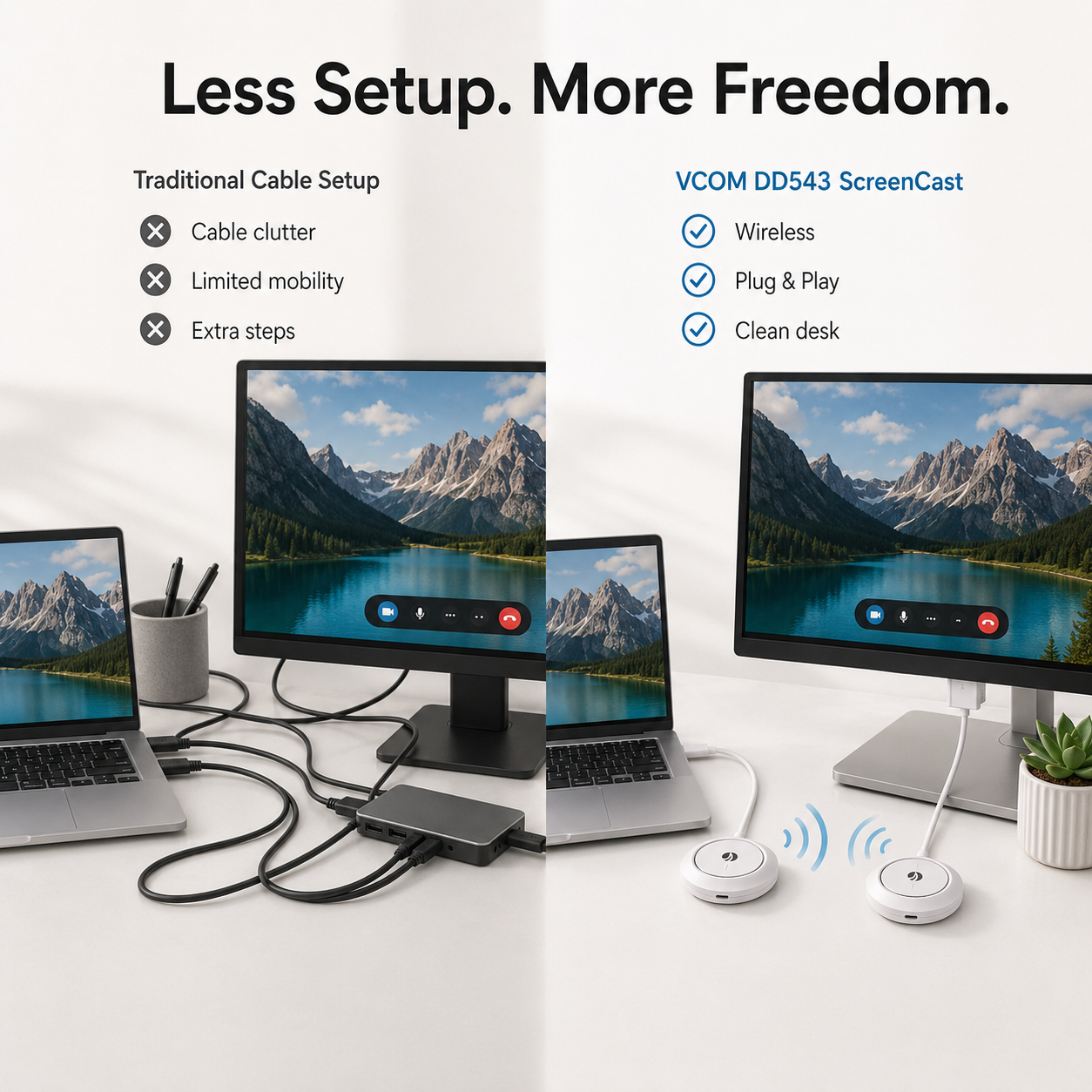
Turn any HDMI display into a wireless screen in seconds. The DD543 ScreenCast lets you mirror or extend your laptop, PC, tablet, or phone to a TV, monitor, or projector without installing drivers or connecting to a network.
Designed for meetings, teaching, streaming, and everyday screen sharing.
Instant Wireless Display, No Network Required
DD543 uses built-in 5G WiFi (802.11ac) to create a direct wireless link between your device and display. No router, no external hotspot, no software setup.
Just plug in and start casting.
Dual Mode: Mirror or Extend Your Screen
Choose how you want to display your content:
- Mirror mode for presentations and teaching
- Extended mode for multitasking and productivity
Switch instantly depending on your workflow.
Up to 100ft Wireless Range
Move freely without being tied to your device.
- Up to 100ft (30m) in open environments
- Around 50ft (15m) with walls or interference
Stable performance for offices, classrooms, and home setups.
Fast Response with Quick Reconnection
If the signal is interrupted, the system reconnects quickly to minimize disruption during meetings, classes, or streaming sessions.
Designed for continuous use without manual re-pairing.
Charge While You Cast (100W PD Support)
The transmitter includes USB-C PD 3.0 charging support up to 100W, allowing you to power your laptop or mobile device while screen sharing.
No battery anxiety during long sessions.
Compact, Lightweight Design
Built for portability and mobile work.
- Transmitter: 30g
- Receiver: 36g
- Compact 60mm body for easy storage and transport
Ideal for business travel and on-the-go presentations.
Where It Fits Best
Business Meetings
Present directly from your laptop to a conference display without HDMI cable setup.
Education & Training
Teachers and trainers can switch content easily between devices.
Home Entertainment
Stream videos or mirror your phone to a larger screen.
Office Productivity
Extend your screen for multitasking without extra monitors.
Technical Overview
Model: DD543
Wireless Standard: 5G WiFi (802.11ac)
Resolution: Up to 3840×2160 @ 30Hz
Video Encoding: H.264 / H.265 / VP9
Audio Support: AAC / MP3 / PCM
Modes: Mirror / Extend
Range: 100ft (open) / 50ft (obstacles)
Power Input: DC 5V/2A (Receiver)
Material: ABS
Operating Temp: -20~60℃
Storage Temp: -25~75℃
In stock
Couldn't load pickup availability
Pay with Ease
Trusted Delivery


Fast, Free Shipping
Fast, Free Shipping
We offer free worldwide shipping straight to your door.
Your package will usually arrive within 7–15 business days, so you can sit back and enjoy a worry-free shopping experience.
For more details, please see our Shipping Policy.
Lifetime Customer Support
Lifetime Customer Support
We’re Always Here for You.
If you have any questions or need assistance, please don’t hesitate to reach out at support@vcom.hk




Wireless Screen Casting for Work and Everyday Use
Turn a TV, monitor, or projector into a wireless display using the DD543 ScreenCast.
Connect the USB-C transmitter to a compatible laptop, tablet, smartphone, or computer, then connect the HDMI receiver to your display for fast wireless screen sharing.
Ideal for business presentations, client meetings, classrooms, training sessions, remote work, and home entertainment.

Instant Wireless Display, No External Network Required
DD543 uses built-in 5G Wi-Fi based on 802.11ac technology to create a direct wireless connection between the transmitter and receiver.
No external router or Wi-Fi network is required, and there is no need to install an app or driver.
This makes it especially convenient for hotel meeting rooms, client offices, classrooms, temporary workspaces, and other locations where you may not want to depend on the local network.

Wide Compatibility, Plug and Play
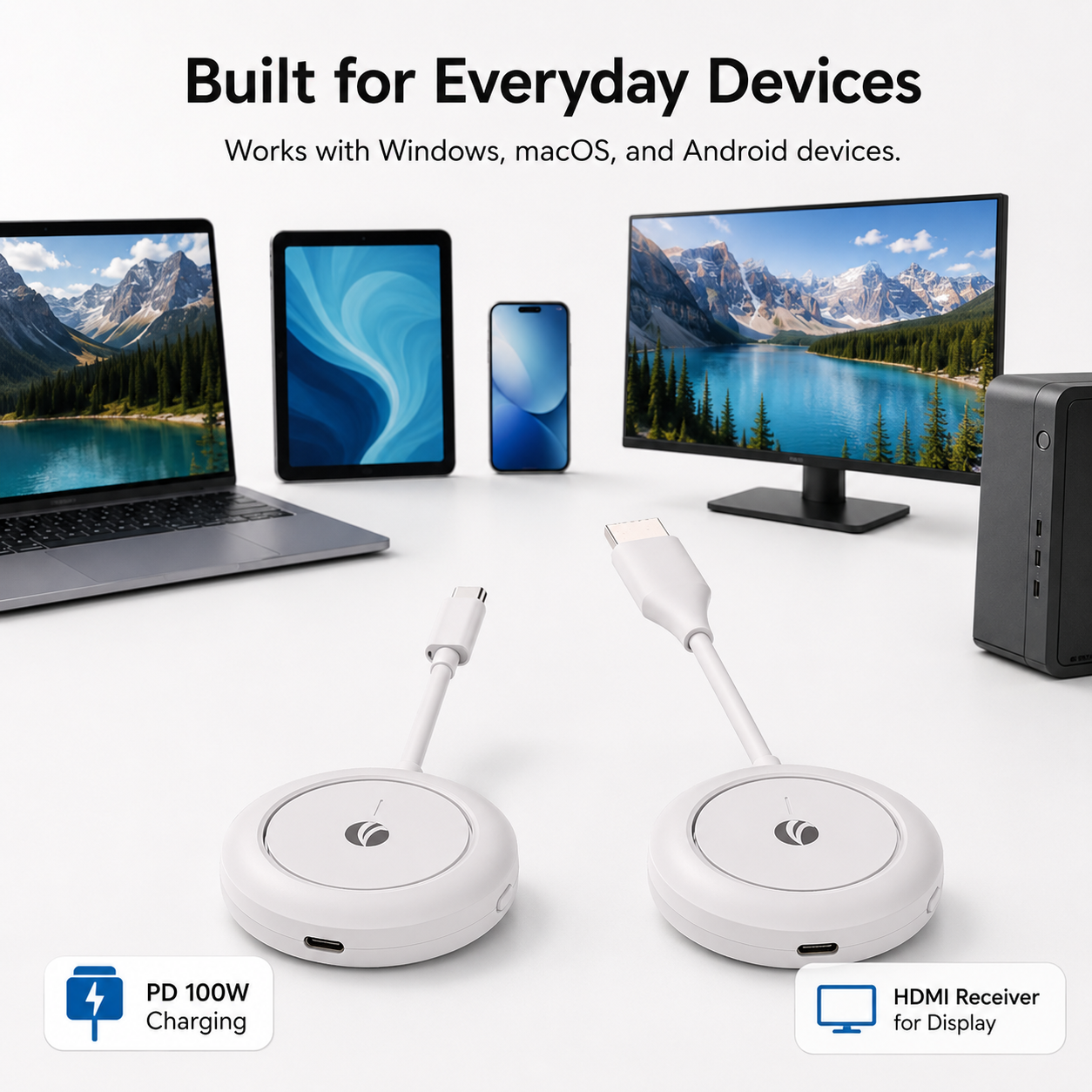
DD543 supports compatible Windows, macOS, and Android devices with USB-C video output.
The receiver connects to displays through HDMI, making it suitable for TVs, monitors, and projectors with an HDMI input.
No app or driver installation is required. Just make sure the USB-C port on your source device supports video output before purchasing.

Clear Wireless Video up to 4K@30Hz
Enjoy wireless video output up to 3840 × 2160 at 30Hz for presentations, documents, videos, and other big-screen content.
DD543 supports H.264, H.265 / HEVC, and VP9 video encoding together with AAC, MP3, and PCM audio formats.
It also supports both mirror and extended display modes, giving you more flexibility for different presentation and workspace setups.
Key Features
- No External Wi-Fi Required: The transmitter and receiver create their own direct wireless connection, so you do not need to connect to a router or local Wi-Fi network.
- No App or Driver Required: Plug-and-play operation keeps setup simple for meetings, travel, teaching, and everyday screen sharing.
- Up to 4K@30Hz: Supports output resolutions up to 3840 × 2160 at 30Hz.
- 5G Wi-Fi Transmission: Built-in 802.11ac wireless technology provides high-speed video transmission between the transmitter and receiver.
- Up to 50m Transmission Distance: Wireless transmission can reach up to approximately 50m in an open, obstacle-free environment and approximately 15m in environments with interference or obstacles.
- Mirror and Extended Display Modes: Duplicate your screen for presentations or extend your desktop for a more flexible workspace.
- 100W PD Pass-Through Charging: The transmitter includes a USB-C female port supporting PD3.0 charging up to 100W, allowing compatible devices to receive power while the ScreenCast is in use.
- One-Click Screen Control: The transmitter switch supports convenient one-click on/off control for screen projection.
- Compact and Portable: Lightweight transmitter and receiver modules are designed for business travel, mobile work, classrooms, and temporary presentation setups.
- Multi-Unit Configurations Available for Custom Projects: DD543 can support flexible transmitter/receiver combinations for customized deployment requirements. Standard retail products are supplied as a normal transmitter-and-receiver set.
Compatibility
Source Device Connection
The DD543 transmitter connects to the source device through USB-C.
Important USB-C Requirement
The USB-C port on your laptop, tablet, smartphone, or computer must support video output. A USB-C port that only supports charging or basic data transfer may not work with screen casting.
Supported Operating Systems
Windows
macOS
Android
Display Connection
The receiver connects to a TV, monitor, or projector through HDMI.
Receiver Power Requirement
The HDMI receiver requires a separate DC 5V / 2A power input through its USB-C power port.
Display Modes
Supports both screen mirroring and extended desktop modes on compatible host devices.
Charging Support
The transmitter includes a USB-C female port supporting PD3.0 pass-through charging up to 100W. Actual charging power depends on the charger, cable, and connected host device.
Before You Buy
Please confirm that your source device supports USB-C video output and that your display has an available HDMI input.
How It Works
Connect the Receiver
Plug the DD543 receiver into the HDMI input of your TV, monitor, or projector.
Power the Receiver
Connect the receiver's USB-C power input to a DC 5V / 2A power source.
Connect the Transmitter
Plug the USB-C transmitter into a compatible source device whose USB-C port supports video output.
Start Screen Casting
The transmitter and receiver establish a direct wireless connection without requiring an external Wi-Fi network, app, or driver.
Choose Mirror or Extend
Use your device's display settings to mirror your screen or extend your desktop when supported.
Stay Powered While Presenting
If needed, connect a compatible USB-C PD charger to the transmitter's USB-C female port for pass-through charging up to 100W.
Technical Specifications
| Model | DD543 |
|---|---|
| Color | White |
| Transmitter | USB-C Male to Host / USB-C Female PD 100W |
| Receiver | HDMI Male to Display / USB-C Female 5V Power Input Required |
| HDMI Version | HDMI 1.4 |
| Maximum Resolution | Up to 3840 × 2160 @ 30Hz |
| Wireless Standard | 5G Wi-Fi / IEEE 802.11ac |
| Transmission Distance | Up to 50m in an obstacle-free environment / approximately 15m with interference or obstacles |
| Display Modes | Mirror / Extended Display |
| Video Encoding | H.264 / H.265 (HEVC) / VP9 |
| Audio Encoding | AAC / MP3 / PCM |
| Transmitter Switch | One-click screen projection on/off control |
| System Compatibility | Windows / macOS / Android |
| Plug and Play | Yes — no app or driver required |
| Fast Charging | PD3.0 up to 100W on transmitter |
| Receiver Power Input | DC 5V / 2A |
| LED Indicator | Working status indicator |
| Material | ABS |
| Operating Temperature | -20°C to 60°C |
| Storage Temperature | -25°C to 75°C |
| Transmitter Weight | Approx. 30g |
| Receiver Weight | Approx. 36g |
| Transmitter Cable Length | 86mm |
| Receiver Cable Length | 99mm |
| Dimensions | Ø60mm × 15.1mm |
Specifications
- Model
- DD543
- Color
- White
- Transmitter
- USB-C Male to Host, USB-C Female PD 100W
- Receiver
- HDMI Male to Display (requires USB-C Female 5V Input)
- HDMI Version
- HDMI 1.4
- Supported Resolution
- Up to 3840*2160@30Hz
- Wireless Standard
- 5G WiFi (802.11ac)
- Maximum Transmission Distance
- 100ft/30m obstacle-free, 50ft/15m with interference/obstacle
- Modes Supported
- Replication and extension modes for HDMI
- Video Encoding Formats
- H.264, H.265 (HEVC), VP9
- Audio Encoding Formats
- AAC, MP3, PCM
- Transmitter Switch
- Supports one-click on/off screen projection mode
- System Compatibility
- Windows, macOS, Android
- LED Indicators
- Working indicator
- Plug and Play
- YES
- Fast Charging Support
- PD3.0 100W (Transmitter)
- Power Input
- DC 5V/2A (Receiver)
- Material
- ABS